_07082026150122242.png)
Noke ONE Smart Entry Instructions
Accessing your storage unit is quick and easy with the Storage Smart Entry app.
GETTING STARTED
After renting your unit, you will receive a text message with instructions to set up your smart lock access.
- Download the Storage Smart Entry app using the link in the text message, or search for “Storage Smart Entry” in the Apple App Store or Google Play Store.
- Log in using your cell phone number as your username (The 6-digit PIN provided in the text message as your temporary password)
- Create your own password when prompted.
- Allow Bluetooth and Location Services when requested.
IMPORTANT: Bluetooth must be turned on to access your storage unit.
OPENING YOUR STORAGE UNIT
- Tap the LED light on your unit’s smart lock to wake it up.
- Open the Storage Smart Entry app on your phone.
- Your unit icon will highlight when the lock is ready.
- Tap the highlighted unit icon to unlock your unit.
You will need Wi-Fi or cellular service when opening and authenticating the app.
SHARING ACCESS
You can easily give a trusted person access to your storage unit.
- Open the Storage Smart Entry app.
- Tap the + in the top-right corner.
- Select “Share Unit.”
- Enter the person’s cell phone number.
- Select the unit you would like to share.
They will receive a text message with instructions to download the app and access the unit.
HAVING TROUBLE?
Try these quick fixes:
- Make sure Bluetooth is turned on.
- Android users should make sure Location Services are turned on.
- Make sure you have the latest version of the Storage Smart Entry app.
- Close the app completely and reopen it.
- Turn Bluetooth off and back on.
- Restart your phone.
- If you forgot your password, select “Reset Password” on the login screen.
For additional help, tap the ? icon in the top-left corner of the Storage Smart Entry app.
Move Out Process
We'll be sad to see you leave!
- During the move out process please give notice to Big Moose Self Storage that you plan to vacate your unit.
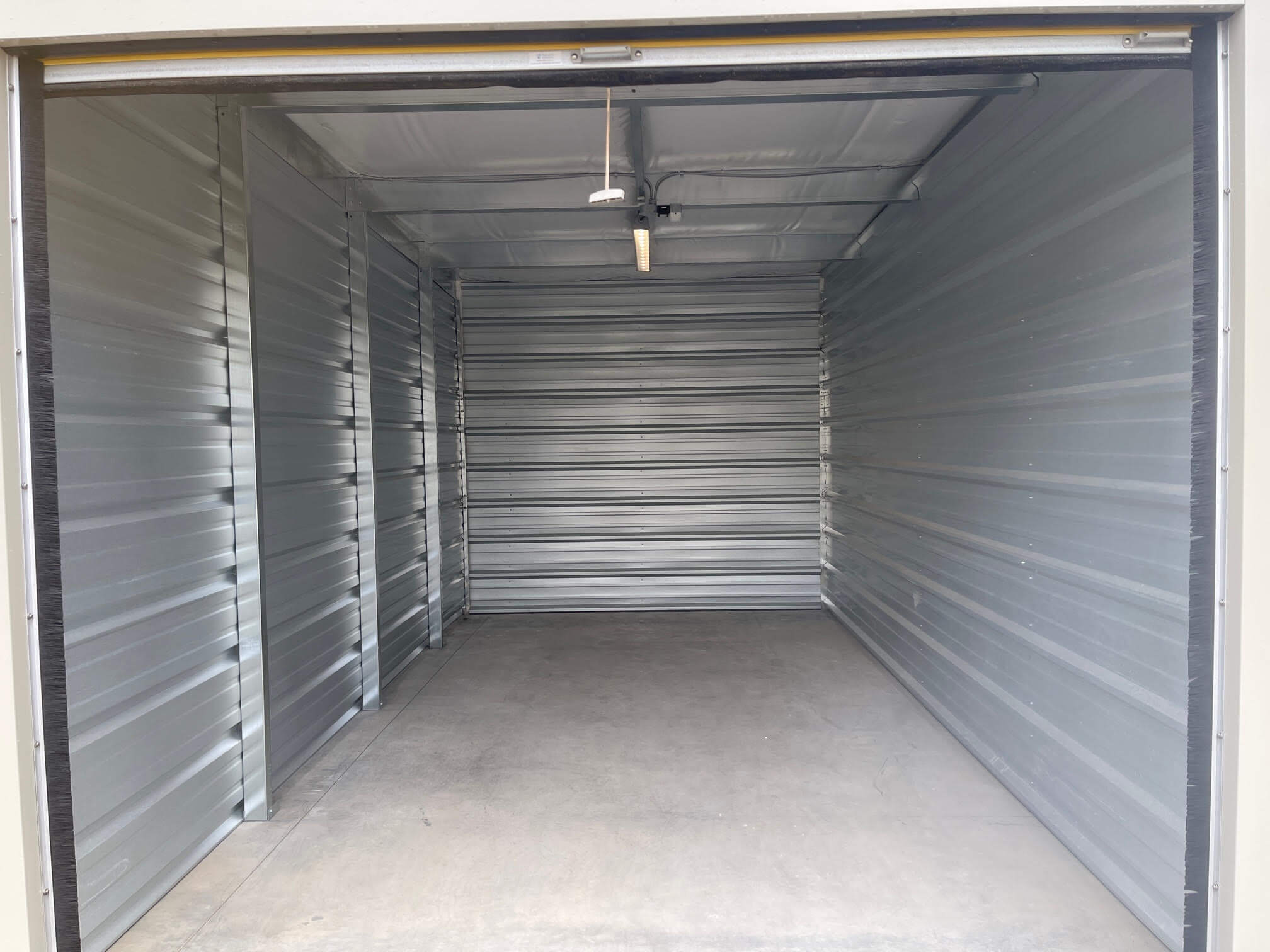
- On move out day, please send Big Moose Self Storage a photo of your empty storage unit and an exterior photo of the storage unit door closed with unit locked with lock provided at time of rental.
- Office Email info@bigmooseselfstorage.ca
- Once those two items are submitted, Big Moose Self Storage will move you out, release your $50 deposit and open the gate for you to exit the facility